Preparing My Health Records Vault… this can take a moment the first time.
One-month trial · In development
My Health Records Vault
Before you open the vault
- Register or update your details on IndianHealthPulse.
- Open the web app demo and try it with made-up sample files only—not your medical records.
- Read the backup and recovery guidance below before using the separately hosted vault when it becomes available.
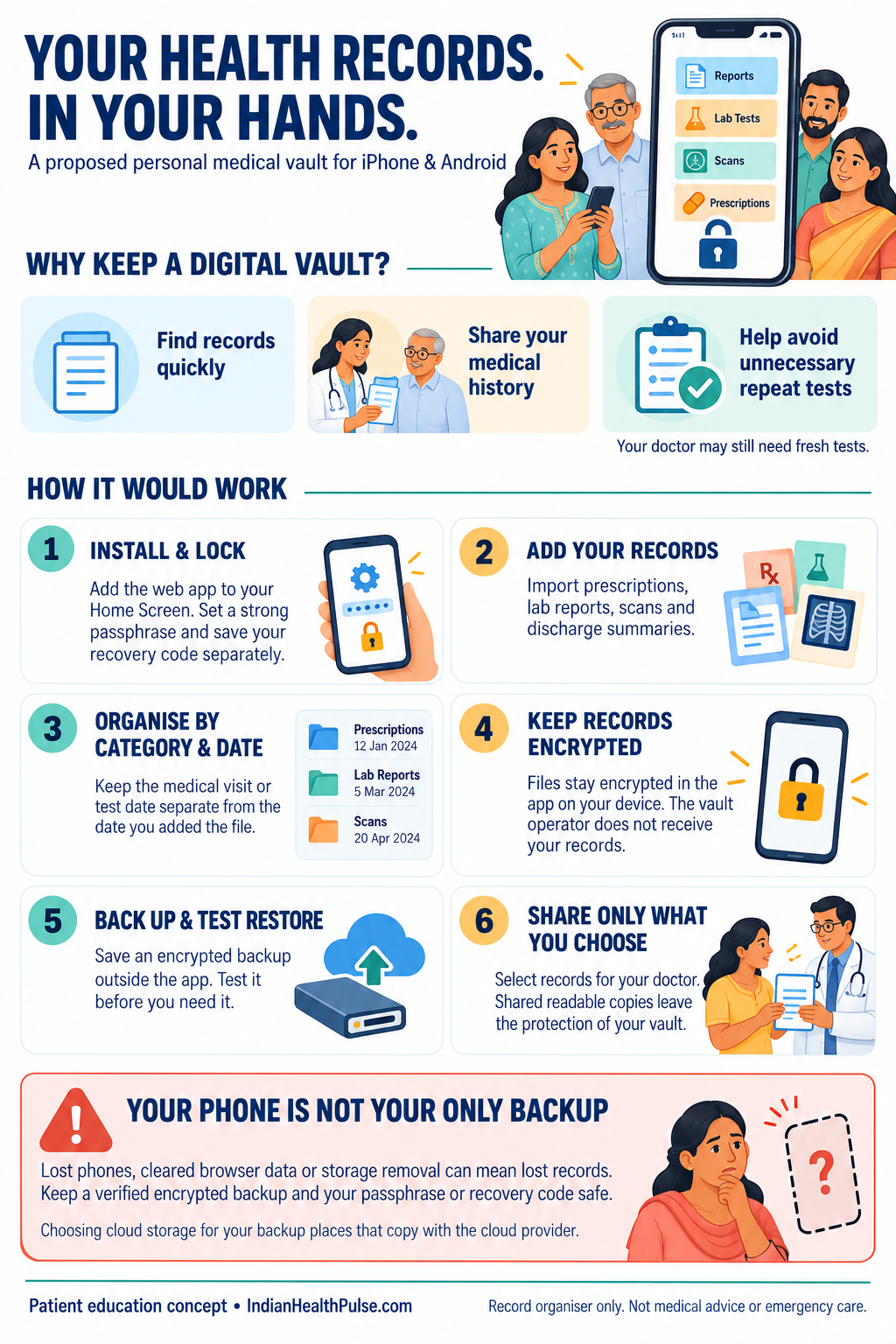
The separate app requires its own hosting address and independent security/device review before real patient use. This demonstration does not save medical files; its temporary contents disappear when the page reloads.
Phone installation
Open records.indianhealthpulse.com on your phone. On iPhone, use Safari → Share → Add to Home Screen. On Android, use Chrome → menu → Install app or Add to Home Screen.
Real-patient use and child activation still require independent review. Keep a tested encrypted backup; installation does not guarantee permanent storage.